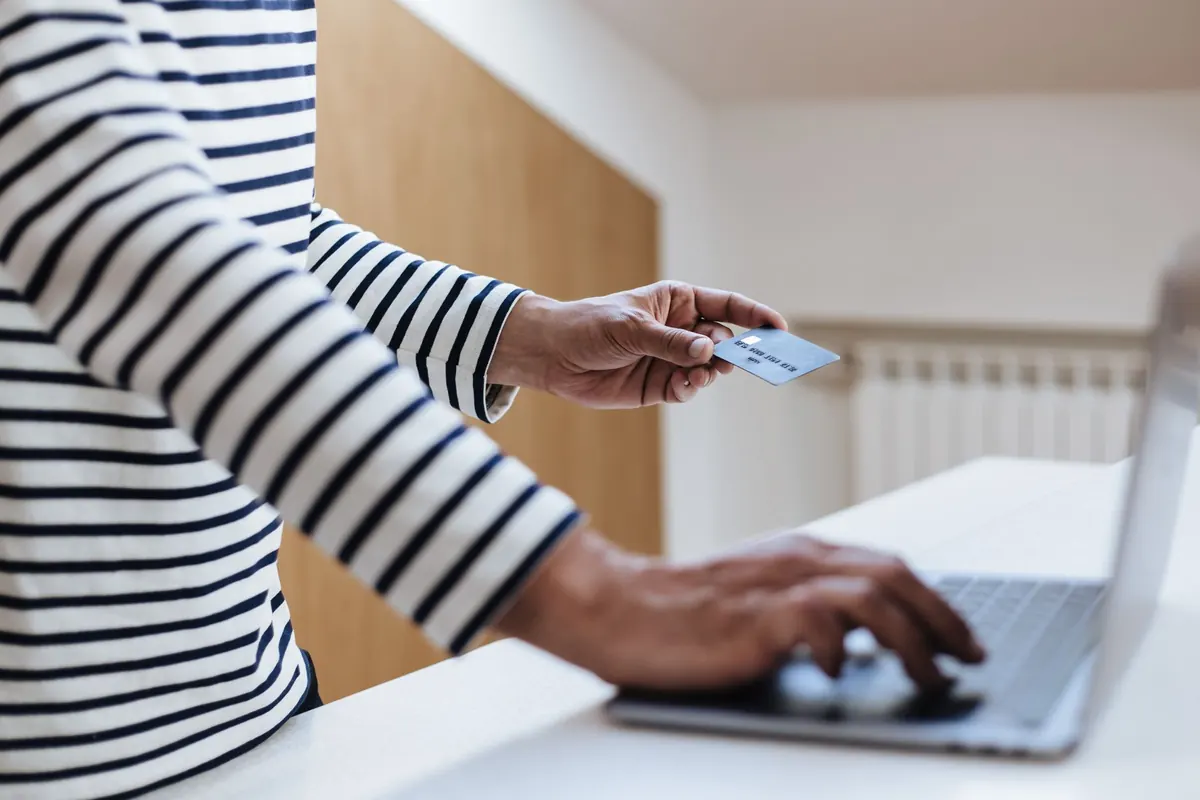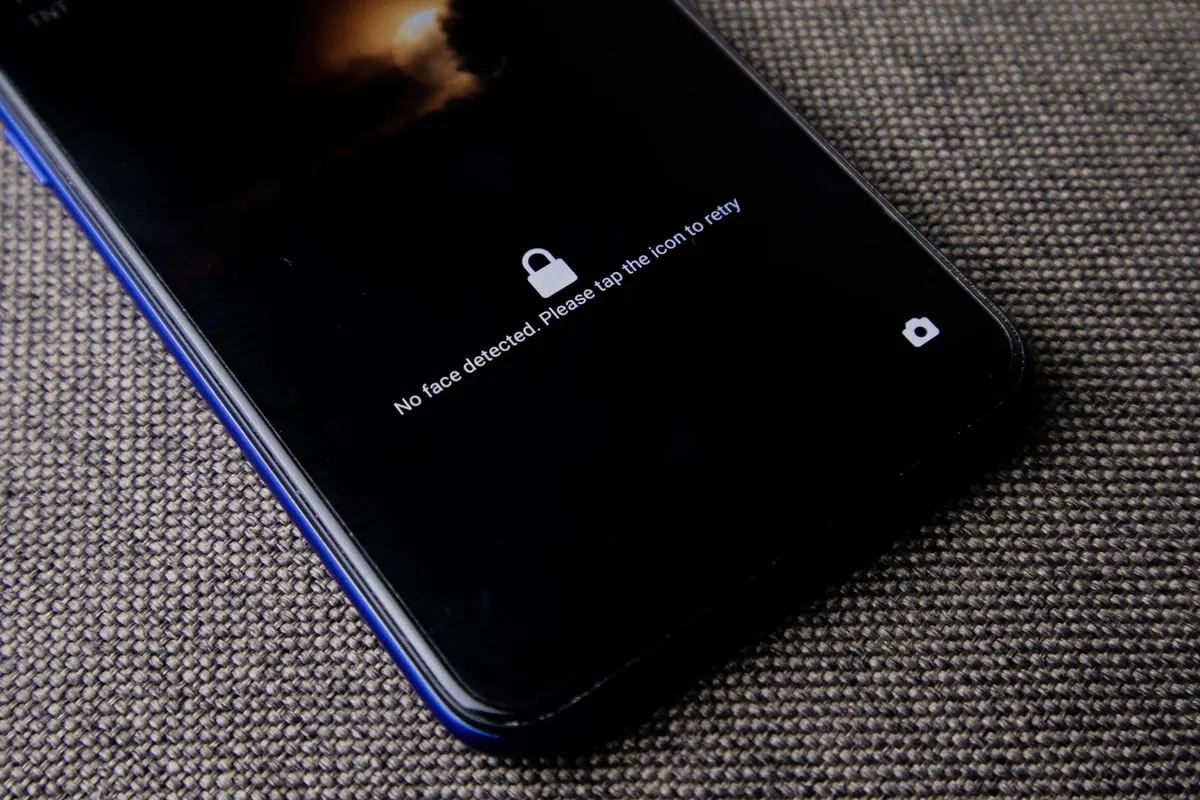
Nobody handed you a manual when passwords, pop-ups and video calls arrived. Most of what keeps you safe online comes down to a few habits, and none of them require you to understand how the internet actually works. Think of it like locking your front door: not because you expect trouble, but because the lock is cheap and the habit is easy.
What follows covers the four things that matter most when you are starting out: passwords you can genuinely remember, scams you can spot in ten seconds, video calls that don't leave you flustered, and a simple plan for the day something does go wrong.
Passwords: longer is stronger than cleverer
A password like Sunshine1! feels secure because it has a capital letter and a symbol. It isn't. It is short, it is a real word, and it follows a pattern that criminals try first. Four unrelated words strung together are much harder to crack and much easier to remember: copper tricycle onion Monday. Length does the work, not punctuation.
Three rules matter more than anything else:
- Never reuse your email password. Your email is the master key to everything else. If someone gets into it, they can reset the password on almost every other account you own.
- Give your bank and email their own passwords — different from each other, and different from shopping sites.
- Write them down if that helps. A notebook kept in a drawer at home is far safer than one password used in twenty places.
If remembering many passwords sounds exhausting, a password manager is worth asking a family member to set up for you. It stores everything behind one password you do remember. Your internet browser may already offer this — it is usually a setting, not a purchase.
Two steps are better than one
Two-step verification (sometimes called two-factor authentication) means that when you log in, the site also sends a short code to your phone or email. You type the code and you're in. Turn it on for your email and your bank first; those are the accounts worth protecting hardest.
The useful part: if a code arrives when you didn't try to log in, someone has your password. Change it that day, starting with your email. And remember — no genuine company, bank or government office will ever phone you and ask you to read out that code.
How to spot a scam in ten seconds
Scams rely on speed and emotion. They want you worried, excited or embarrassed, because people in that state don't stop to check. The single best rule is this: anyone who wants you to act immediately, keep it secret, or pay in an unusual way is almost certainly lying.
The versions that catch people most often look like this: a message saying a parcel is held up and needs a small delivery fee; a caller claiming to be from your bank and asking you to move money to a "safe account"; a text from an unknown number pretending to be a grandchild in trouble; a pop-up with a phone number warning that your computer is infected.
Red flags to look for:
- Urgency — "within the hour", "your account will be closed today".
- Secrecy — "don't discuss this with anyone, especially family".
- Strange payment methods — gift cards, wire transfers, payment apps, cryptocurrency.
- Requests for codes — the six digits sent to your phone are for you alone.
- Small mismatches — an odd email address, clumsy spelling, a phone number that isn't the one printed on your bank card.
When something feels off, hang up and call back on a number you look up yourself. Real organisations expect this and never mind waiting. If you have already sent money or shared account details, contact your bank straight away — speed matters enormously — and report it to your local fraud service. For anything with legal or financial consequences, speak to a qualified professional rather than relying on a website alone.
Video calls without the fuss
Whether your family uses WhatsApp, FaceTime, Zoom or something else, a few small preparations remove most of the stress. Book a five-minute test call with one person before a big family gathering, so you're not learning the buttons in front of everyone.
- Sit with a lamp or window in front of you, not behind — otherwise you appear as a silhouette.
- Glance at what's behind you before you answer, and tidy anything you'd rather not share.
- Headphones solve most echo problems instantly.
- In group calls, mute yourself when you're not speaking.
- Don't accept video calls from names or numbers you don't recognise. Scammers use these apps too.
- Never share your screen with someone you haven't met in person.
If a relative appears to call in an emergency asking for money, hang up and ring them back on the number already saved in your phone. A real emergency survives a two-minute delay; a scam usually doesn't.
Small settings worth changing once
Turn on automatic updates so your phone and computer patch themselves while you sleep. Set your phone to lock after a minute or two and use a PIN or fingerprint rather than nothing. Make sure your home Wi-Fi has a password, and ask your provider or a family member to change the router's default admin password. Back up your photos. And if a pop-up tells you to install something, close the window — that instruction is the scam.
If something goes wrong
Most people who get caught feel embarrassed and say nothing, which is exactly what makes the damage worse. Tell someone early. Ring your bank at the first suspicion. Change your passwords from a different device if you can, and check your statements for charges you don't recognise. These are organised professionals who do this every day; being tricked is not a sign of confusion, and hiding it only helps them.
Your first week: a short checklist
- Choose your four most important accounts — email, bank, main shopping site, social media — and give each its own long password.
- Turn on two-step verification for email and banking.
- Ask one family member to be your "call first" person before you click anything unusual.
- Book a practice video call with a grandchild.
- Write two rules on a note near the computer: nobody legitimate rushes me, and nobody legitimate asks for a code.
You don't have to get all of this right today. Pick the checklist, work through it slowly, and add the rest when you feel like it. The aim isn't to become an expert in online safety — it's to be a slightly harder target, and to know exactly who to ring when something looks wrong.
Photo: Helena Lopes / Pexels